Smooth vertical scrolling numbers in a slot-machine / Apple timer style format
-
@woland Massive thanks as always L it's much appreciated. I'll dig into your example file and explanation 🙏
-
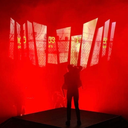
@woland Yes I'm looking for each number to spin every time in a style similar to Apple's iPhone timer - just like the iPhone screenshot you've provided.
Simon Powell: Researching Emerging Technologies in Live Performance at University of the Arts London.
Running: Mac Studio M1 Max 32GB, 512GB SSD, macOS 26.3 | MacBook Pro M2 Pro 16GB, 512GB SSD, macOS 26.3 / Izzy v4.1.3 /// UK -
This post is deleted! -
@paz said:
Yes I'm looking for each number to spin every time
If that's the case, I'll have to dig into this idea:
@woland said:
[...] brute force it by comparing the angle value of the current number to the angle value of the next number and using a Comparator to use one set of math if the angle value of the current number is less than or equal to the angle value of the next number, then use a different set of math if the angle value of the current number is greater than the angle value of the next number, switching between which math to use with a Selector actor.
-
@paz said:
I'm looking for each number to spin every time in a style similar to Apple's iPhone timer
Are they all spinning at the same time, or are they spinning one after another?
-
@woland Hi L I'm aiming for an outcome where they're all spinning at once, but at different speeds and they come to rest at slightly different times. I've managed to achieve this element quite effectively using @dbini suggestion of separate Ease In-Out actors for each number.
I'd upload a video file generated from the Capture Stage to Movie actor to show what I mean, but for some reason I can't attach a video to my forum messages.
Thank you for your continued help 🙏
Simon Powell: Researching Emerging Technologies in Live Performance at University of the Arts London.
Running: Mac Studio M1 Max 32GB, 512GB SSD, macOS 26.3 | MacBook Pro M2 Pro 16GB, 512GB SSD, macOS 26.3 / Izzy v4.1.3 /// UK -
Figured it out: spinning-number-dial-2026-05-05-4.1.3.zip
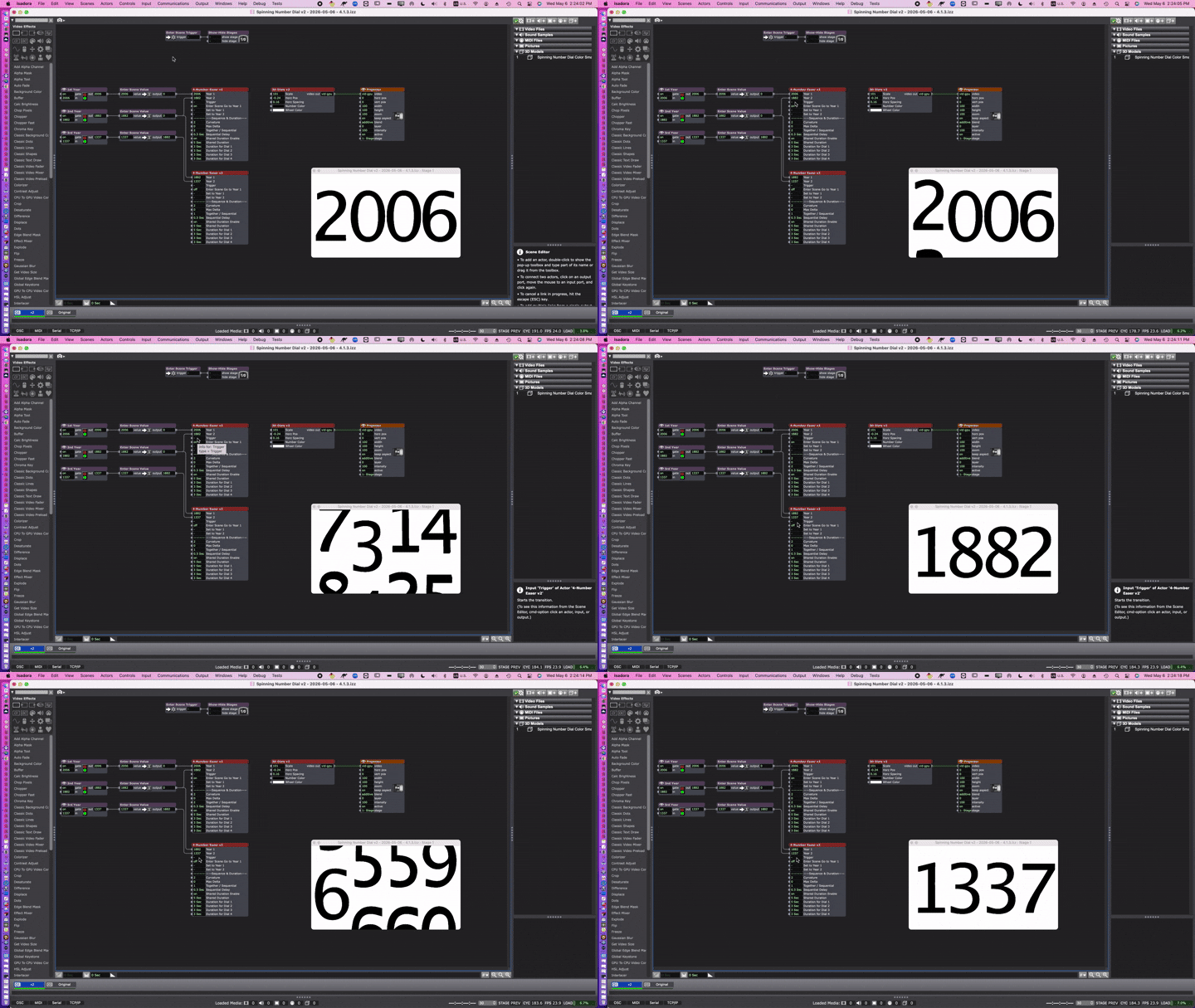
Note:
- The "4-Number Easer v2" User Actor inputs all have help text, so you can mouse over them and look at the Information View (below the Media View) to see what they do.
- The "4-Number Easer v2" User Actor's 'Together/Sequential' input can be changed so that all the dials start and end at the same time (1 = Together) or so that the dials all start and end a little offset (2 = Sequential).
- In the example gif, this is why the dials all start and end sequentially in the "2006 > 1882" transition (which I think looks a bit better) and why in the "1882 > 1337" transition, all the dials start and end their spinning at the same time.
- You can use the "3D Dials v2" User Actor to change the colors of the numbers and the dials.
- (This is because, on the 3d model, I made the dial bright red and the numbers bright green, then used a Chroma Key actor combined with a Background Color actor inside the "3D Dials v2" User Actor to allow the color of the numbers and dials to be changed.)
-
@paz said:
I'd upload a video file generated from the Capture Stage to Movie actor to show what I mean, but for some reason I can't attach a video to my forum messages.
Probably it exceeds the file size upload limit or the file type isn't on the file type whitelist.
Anyway, I use this site to convert my screen recordings to gifs: https://www.freeconvert.com/convert/video-to-gif/download
-
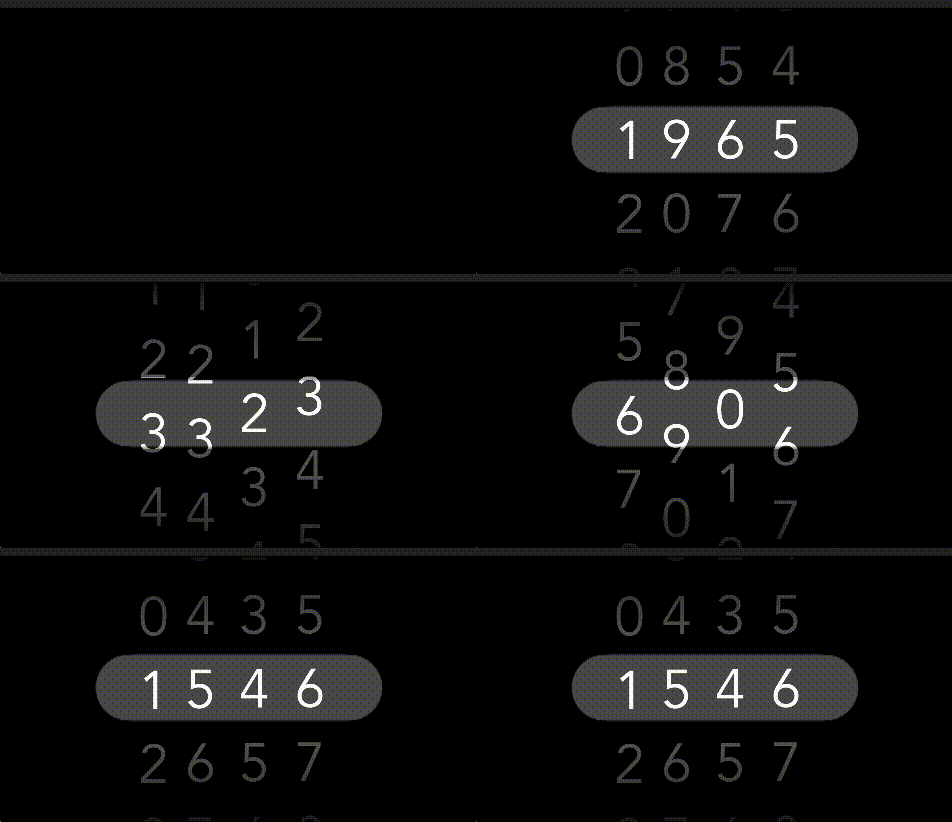
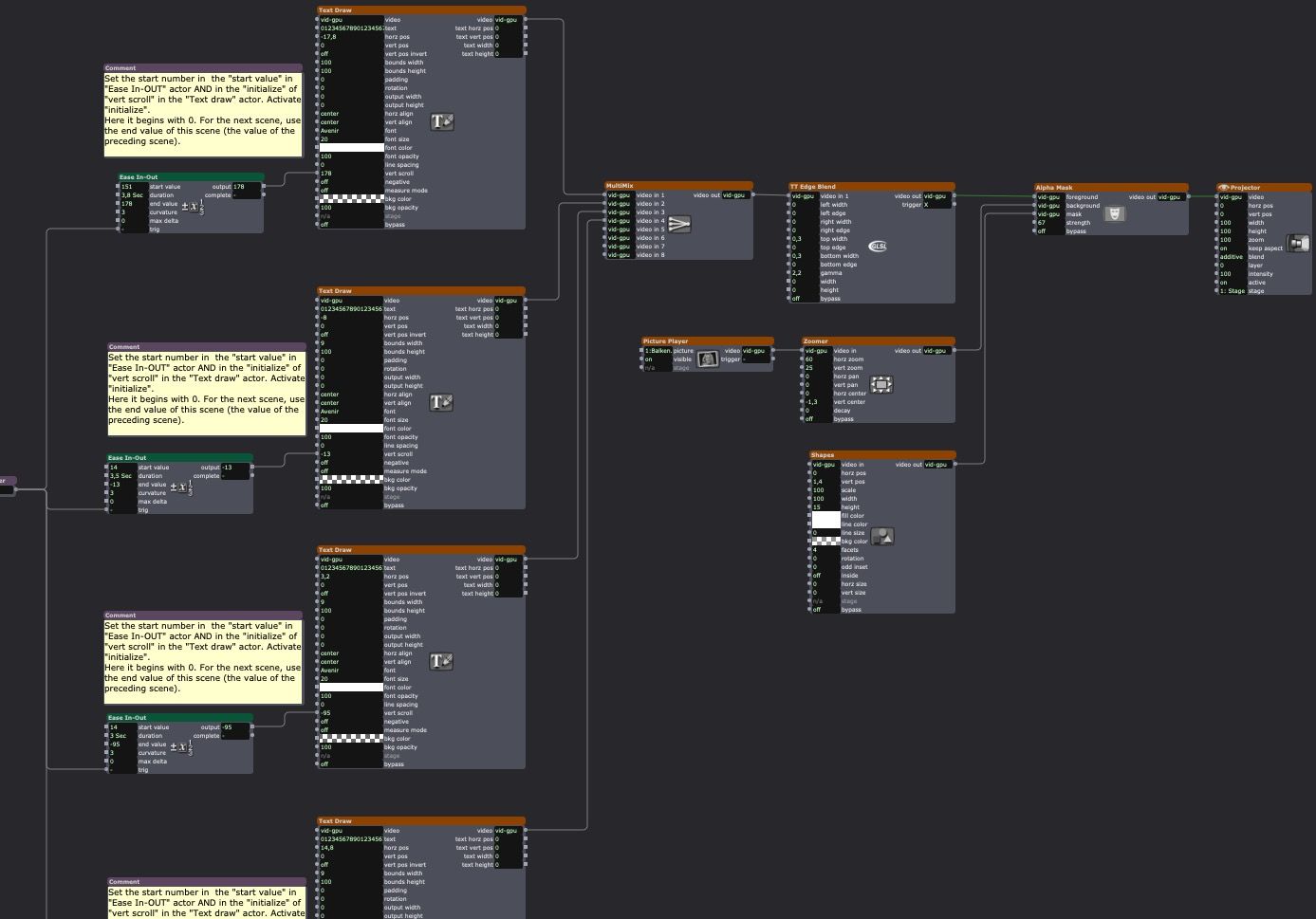
Based on your patch.
it is what you want?
• Izzy 4
- MacBook Pro M1 Max 16" 64GB RAM, Mac OS 15.3.2 Sequoia
- Mac Pro 5.1 middle 2012 (3,33 GHz 6-Core Intel Xeon, 32GB RAM, Radeon RX 580 8 GB ),
Mac OS 10.14.6 (Mojave)
- Mac mini Pro M4, Mac OS 15.3.2 Sequoia- A range of deployable older Macs
Located in Bremen, Germany
- A range of deployable older Macs
-
Very cool! What was your approach?
-
• Izzy 4
- MacBook Pro M1 Max 16" 64GB RAM, Mac OS 15.3.2 Sequoia
- Mac Pro 5.1 middle 2012 (3,33 GHz 6-Core Intel Xeon, 32GB RAM, Radeon RX 580 8 GB ),
Mac OS 10.14.6 (Mojave)
- Mac mini Pro M4, Mac OS 15.3.2 Sequoia- A range of deployable older Macs
Located in Bremen, Germany
- A range of deployable older Macs
-