[ANSWERED] GLSL ISADORA_FLOAT_PARAM Issues?
-
Hey All
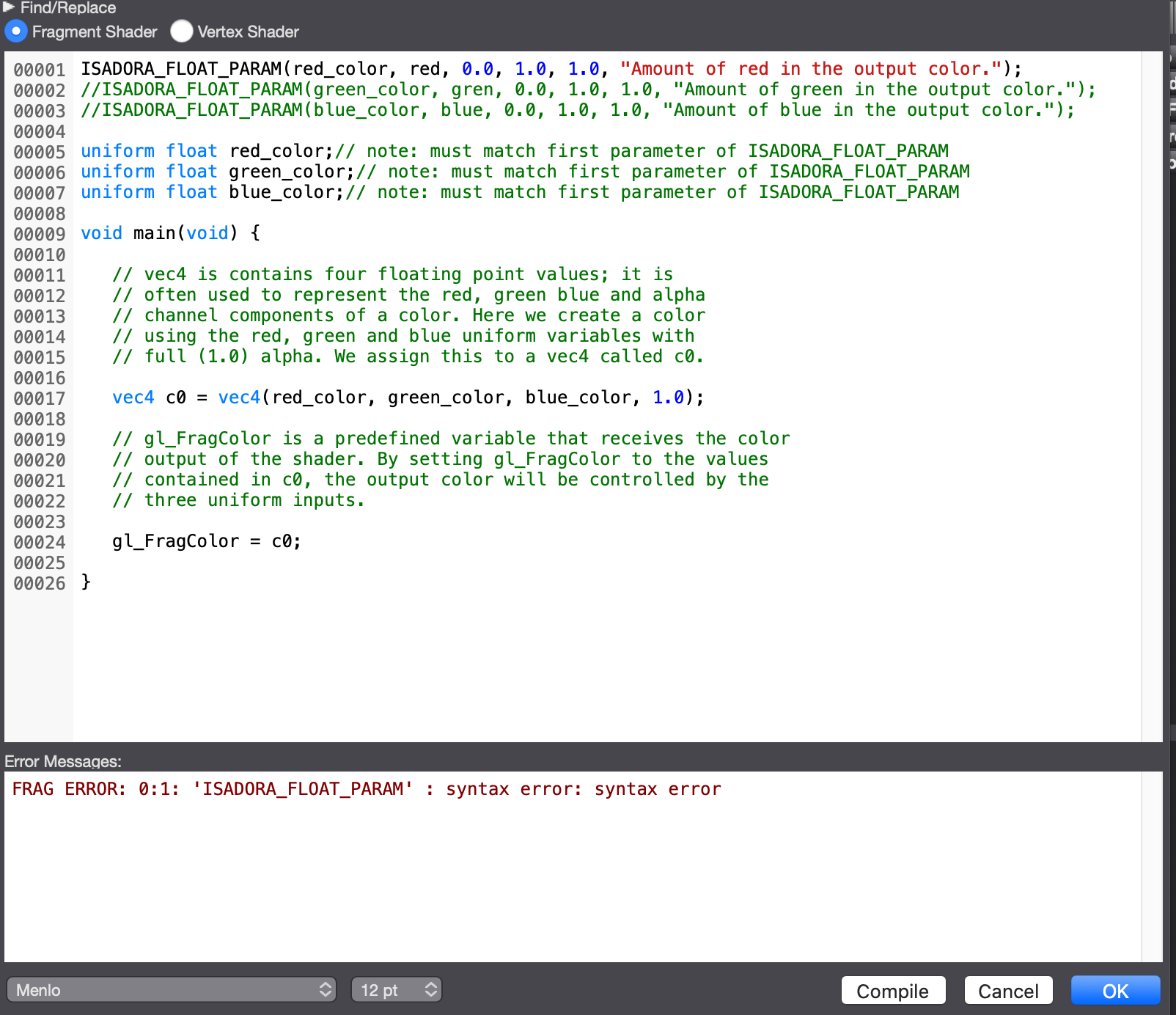
I am working with the GLSL Shader actor. I've created a shader and want to push my floating variables to the Actor for interaction in the Patch. This sample code wont compile and I get a syntax error for Isadora_Float_Param which I believe didn't happen in Isadora 2?
https://support.troikatronix.com/support/solutions/articles/13000025645-glsl-shader-actor-tutorial
As well some of the code won't compile in tutorial as there are some typos.... extra characters like ")"which you have to fix to compile
As a Sanity check I ran this code from the tutorial and get the Float Param error. I am running 3.0.8f12
When commented out the syntax error resolves and the code runs.
Does anyone else get an error? This is with all sample code in the tutorial
ISADORA_FLOAT_PARAM(red_color, red, 0.0, 1.0, 1.0, "Amount of red in the output color.");
// ISADORA_FLOAT_PARAM(green_color, gren, 0.0, 1.0, 1.0, "Amount of green in the output color.");
// ISADORA_FLOAT_PARAM(blue_color, blue, 0.0, 1.0, 1.0, "Amount of blue in the output color.");
uniform float red_color;// note: must match first parameter of ISADORA_FLOAT_PARAM
uniform float green_color;// note: must match first parameter of ISADORA_FLOAT_PARAM
uniform float blue_color;// note: must match first parameter of ISADORA_FLOAT_PARAM
void main(void) {
// vec4 is contains four floating point values; it is
// often used to represent the red, green blue and alpha
// channel components of a color. Here we create a color
// using the red, green and blue uniform variables with
// full (1.0) alpha. We assign this to a vec4 called c0.
vec4 c0 = vec4(red_color, green_color, blue_color, 1.0);
// gl_FragColor is a predefined variable that receives the color
// output of the shader. By setting gl_FragColor to the values
// contained in c0, the output color will be controlled by the
// three uniform inputs.
gl_FragColor = c0;
} -
The issue was Solved. ISADORA_FLOAT_PARAM needs to be commented out for Isadora to recognize.
-
Hi there Bob,
It seems you already figured out the issue. Let us know how it happened. The article that you link has the correct code snippet?
Anyhow, I mark this question as Answered.
- Juriaan