Premiere Pro Corrupt Video
-
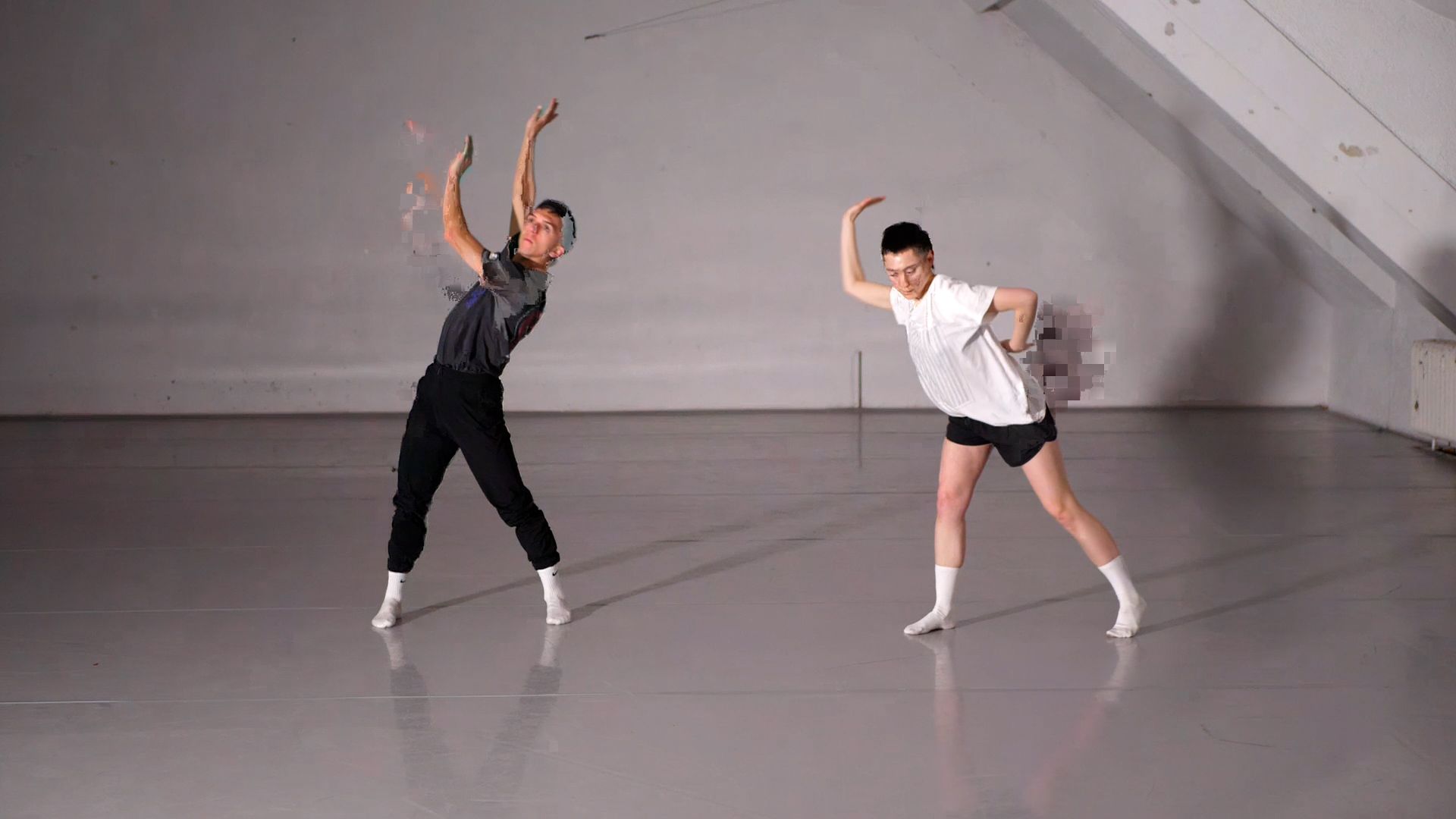
Hi everyone!
I am editing a project in Adobe Premiere Pro, using 1920x1080p video files that were taken using the Capture Camera to Movie actor. The files themselves appear to be fine when I view them in quicktime from my captured media folder, but as soon as I put them into a sequence in Premiere, the videos have corrupt artifacts. I have tried both matching the sequence settings to the files, and keeping the existing settings but either way I have the same problem, even after rending the videos. I have included a picture of what is happening. Any help would be greatly appreciated from any Adobe experts!
Thanks! -
Are you capturing these files as MP4 files?
What settings are you using?
Have you tried converting these files to ProRes before bringing them into Premiere?
(I would use Shutter encoder for this.. it's free)
