Pythoner Virtual Environments Not Showing Up
-
I am new to Isadora and I am working to integrate some Python code using the Pythoner actor. The concepts and practices I saw in the Youtube tutorials and the documentation make sense. However, I am having trouble with the creation of Virtual Environments on Mac OS and Isadora 4.
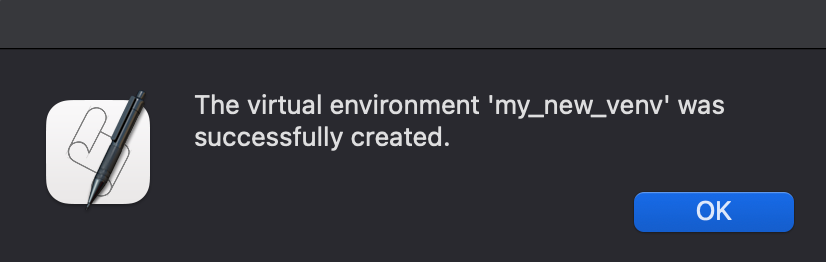
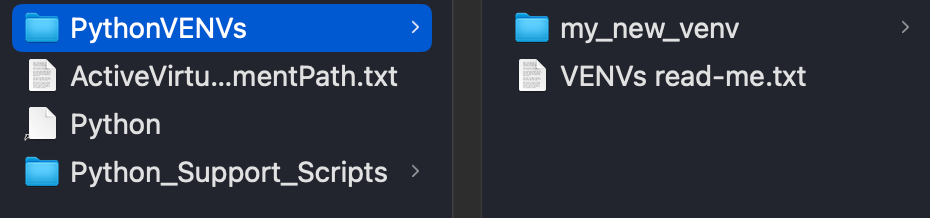
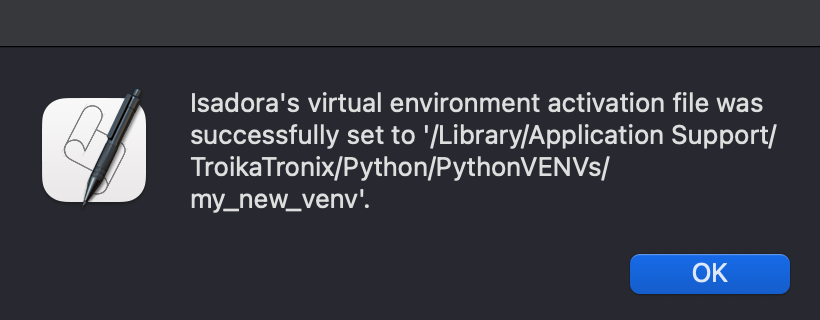
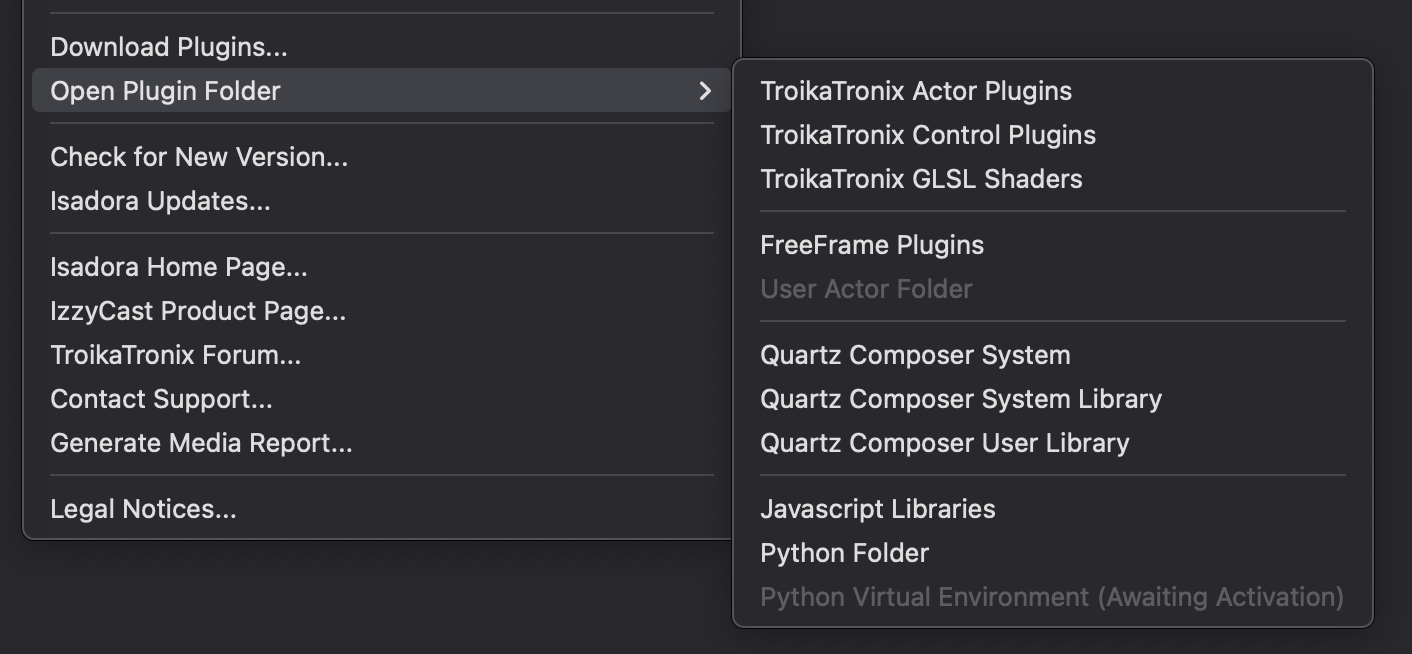
I created a virtual environment using the provided Apple script and the script to activate it. However, Isadora says "Awaiting Activation". I attached the screenshot for the view in Isadora as well as the current ActiveVirtualEnvironmentPath.txt file. Am I missing a setup step?

Thanks! -
@drpjm
Did you close and re-open Isadora? It won't remap the python environment until that is done.
I assume you have watched these tutorials: Using the Pythoner Actor – Do More in Isadora with Python - YouTubeNOTE: Python is not initialized in Isadora until a Pythoner actor is added to the project. You can update the 'environment activation file' and restart Isadora, and the Python Virtual Environment setting under the Help menu will appear GRAYED OUT & (Awaiting Activation) until the Pythoner actor is added to the project.