• Products
    • Isadora
    • Get It
    • ADD-ONS
    • IzzyCast
    • Get It
  • Forum
  • Help
  • Werkstatt
  • Newsletter
  • Impressum
  • Dsgvo
  • Press
  • Isadora
  • Get It
  • ADD-ONS
  • IzzyCast
  • Get It
  • Press
  • Dsgvo
  • Impressum

Navigation

    • Register
    • Login
    • Search
    • Categories
    • Recent
    • Popular
    • Tags

    Pythoner Virtual Environments Not Showing Up

    Troubleshooting and Bug Reports
    2
    2
    37
    Loading More Posts
    • Oldest to Newest
    • Newest to Oldest
    • Most Votes
    Reply
    • Reply as topic
    Log in to reply
    This topic has been deleted. Only users with topic management privileges can see it.
    • drpjm
      drpjm last edited by

      I am new to Isadora and I am working to integrate some Python code using the Pythoner actor. The concepts and practices I saw in the Youtube tutorials and the documentation make sense. However, I am having trouble with the creation of Virtual Environments on Mac OS and Isadora 4.

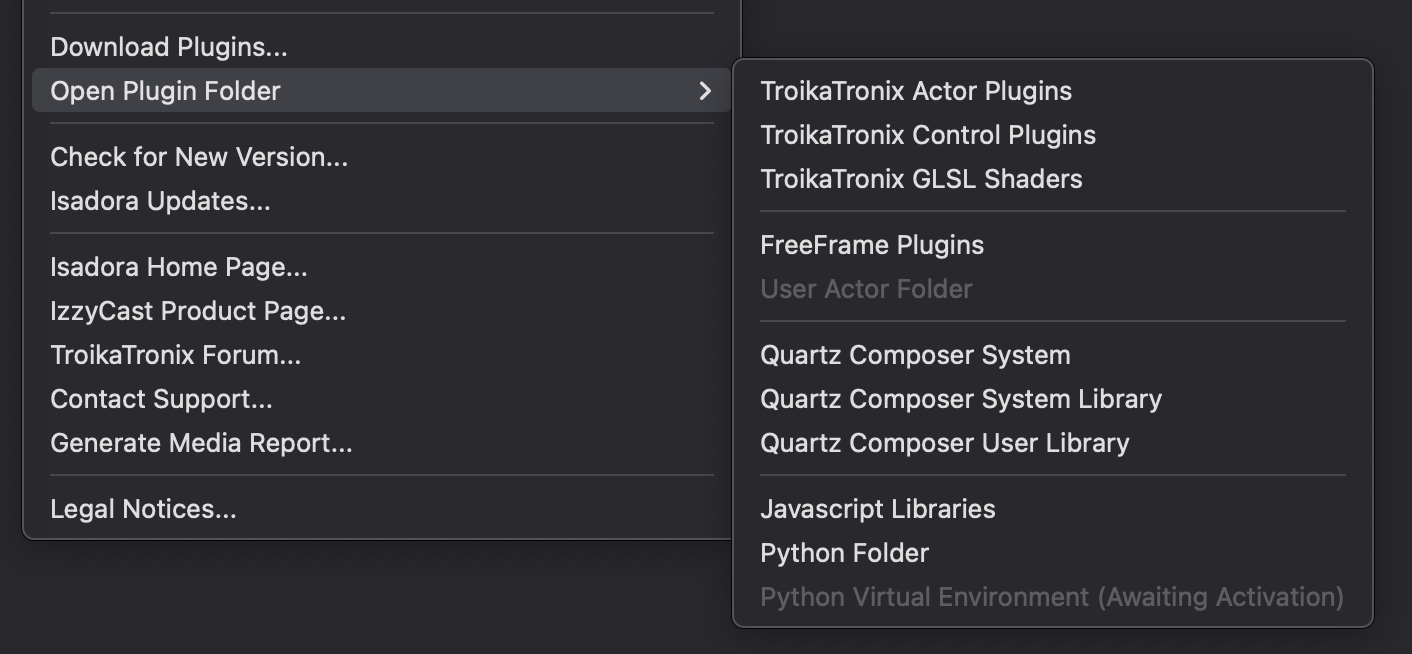
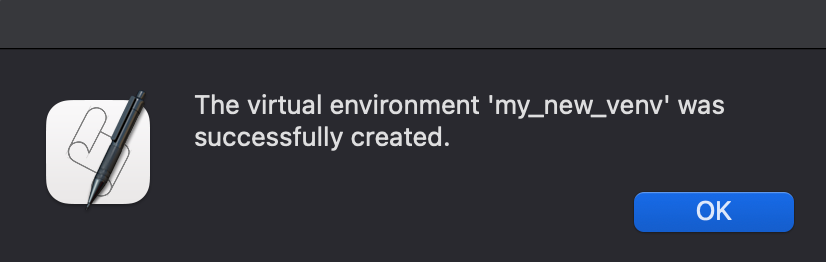
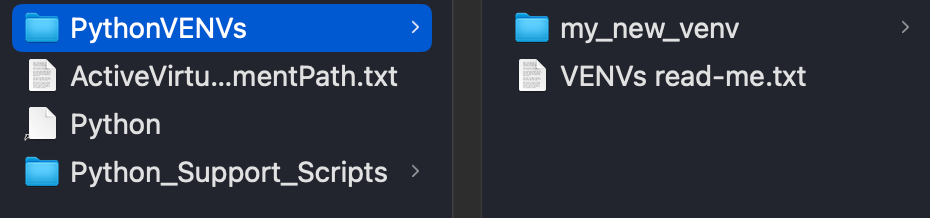
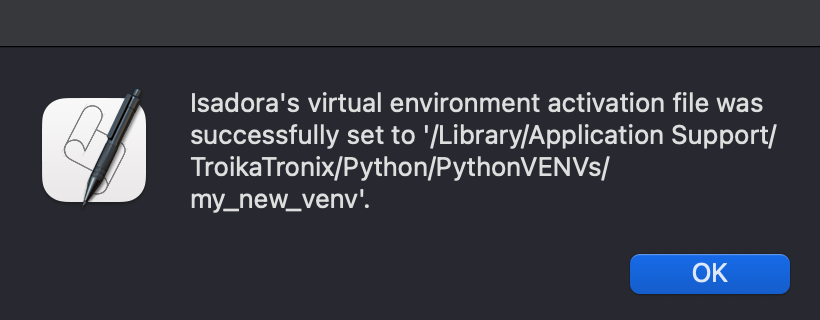
      I created a virtual environment using the provided Apple script and the script to activate it. However, Isadora says "Awaiting Activation". I attached the screenshot for the view in Isadora as well as the current ActiveVirtualEnvironmentPath.txt file. Am I missing a setup step?

      Thanks!

      DusX 1 Reply Last reply Reply Quote 1
      • DusX
        DusX Tech Staff @drpjm last edited by DusX

        @drpjm

        Did you close and re-open Isadora? It won't remap the python environment until that is done. 
        I assume you have watched these tutorials: Using the Pythoner Actor – Do More in Isadora with Python - YouTube

        NOTE: Python is not initialized in Isadora until a Pythoner actor is added to the project. You can update the 'environment activation file' and restart Isadora, and the Python Virtual Environment setting under the Help menu will appear GRAYED OUT & (Awaiting Activation) until the Pythoner actor is added to the project. 

        Troikatronix Technical Support

        • New Support Ticket Link: https://support.troikatronix.com/support/tickets/new
        • My Add-ons: https://troikatronix.com/add-ons/?u=dusx
        • Profession Services: https://support.troikatronix.com/support/solutions/articles/13000109444-professional-services

        Running: Win 11 64bit, i7, M.2 PCIe SSD's, 32gb DDR4, nVidia GTX 4070 | located in Ontario Canada.

        1 Reply Last reply Reply Quote 0
        • First post
          Last post