[ANSWERED] Show/Hide Actor Names Isadora 3.2.6, macOS
-
As I was working on a patch in Isadora 3.2.6 on macbook pro m4, suddenly the titles of the actors disappeared.
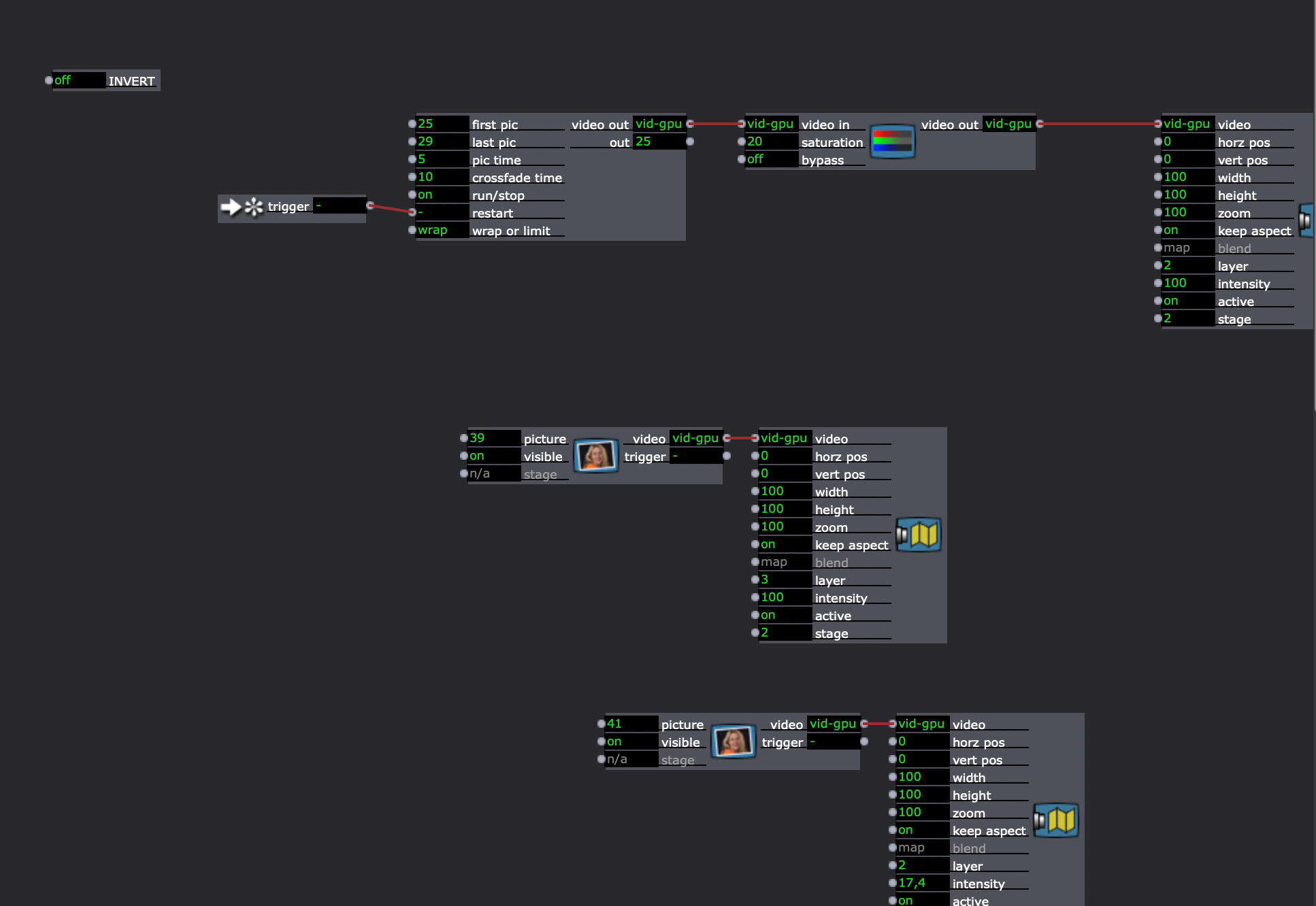
Restarting Isadora and computer did not bring the titles back. A new patch, created in the same Isadora instance have the titles as usual.
Copying a damaged scene into a new patch and adding new actors into it displays the new actors with the titles. Adding new scene in the damaged patch and adding an actor to it, instantiates the actors without titles. Any way to bring the titles back for the damaged actors?
Thanks.
-
This post is deleted! -
This post is deleted! -
This post is deleted! -
This post is deleted! -
This post is deleted! -
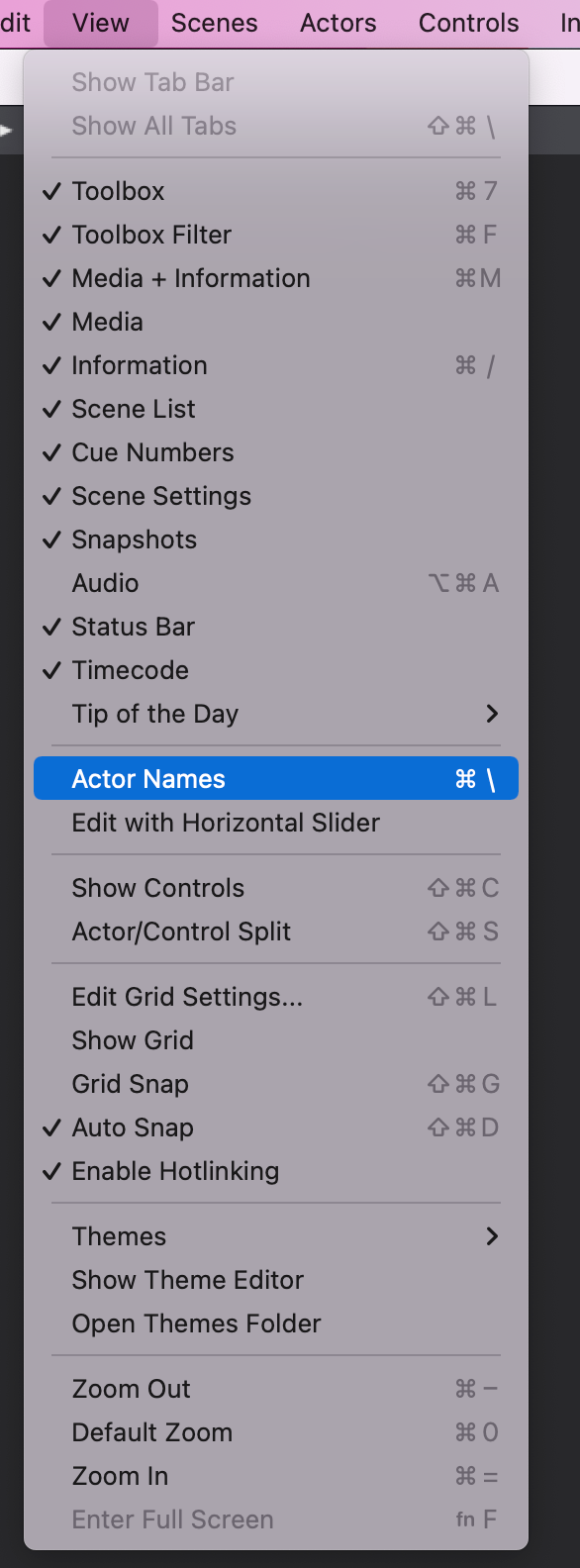
I'm silly. There's a menu option for it in the View Menu. I just never use this feature so I didn't remember it existed.
-
-
@eight said:
Thanks a lot for figuring this out!
No problem. Just FYI, I'm going to trim this thread a bit so anyone searching the forum for this in the future can skip the parts that aren't important.
-
I'm also going to log a feature request to move this to the Actor menu. Doesn't make sense that it's not with all the other actor-related show/hide menu options.


