[ANSWERED] Position Data via OSC
-
Hello,
I am trying to send position data from a scenic automation software (Creative Connors Spikemark) via OSC to Isadora. My goal is to have a projected image follow the automated scenery. I was not able to find a plug in or OSC dictionary for Isadora to receive the position data. Is there a way anyone has found to do this?
Thanks!
-J
-
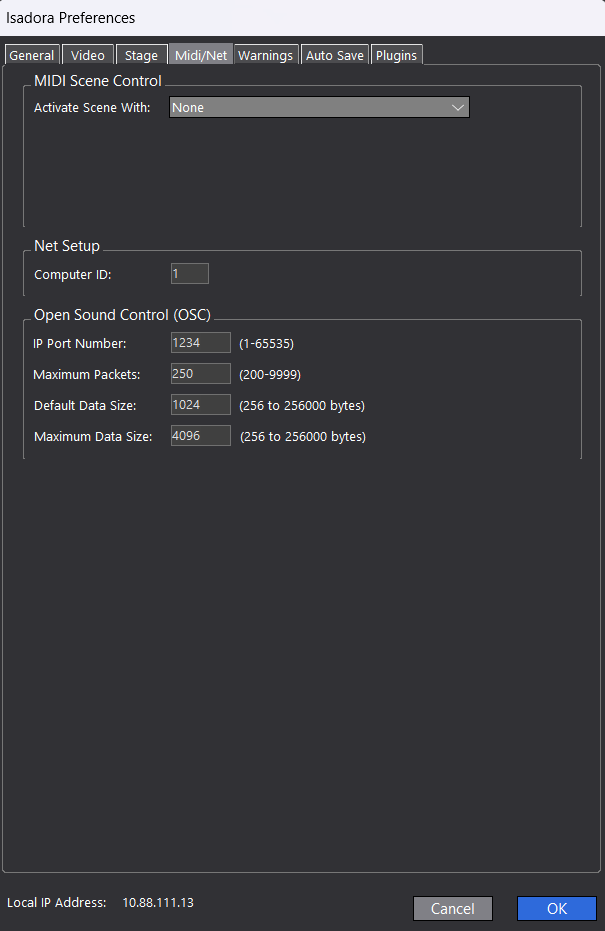
By default Isadora uses port 1234 for OSC. This can be changed in the Isadora Preferences if you can't set it in the app sending the data.
You can use the stream setup dialog to detect incoming values. (located under Communications/Stream Setup). By checking Auto-detect Isadora will list all incoming values. This makes it easier to tell if you app is sending in an acceptable way, or needs some config changes.
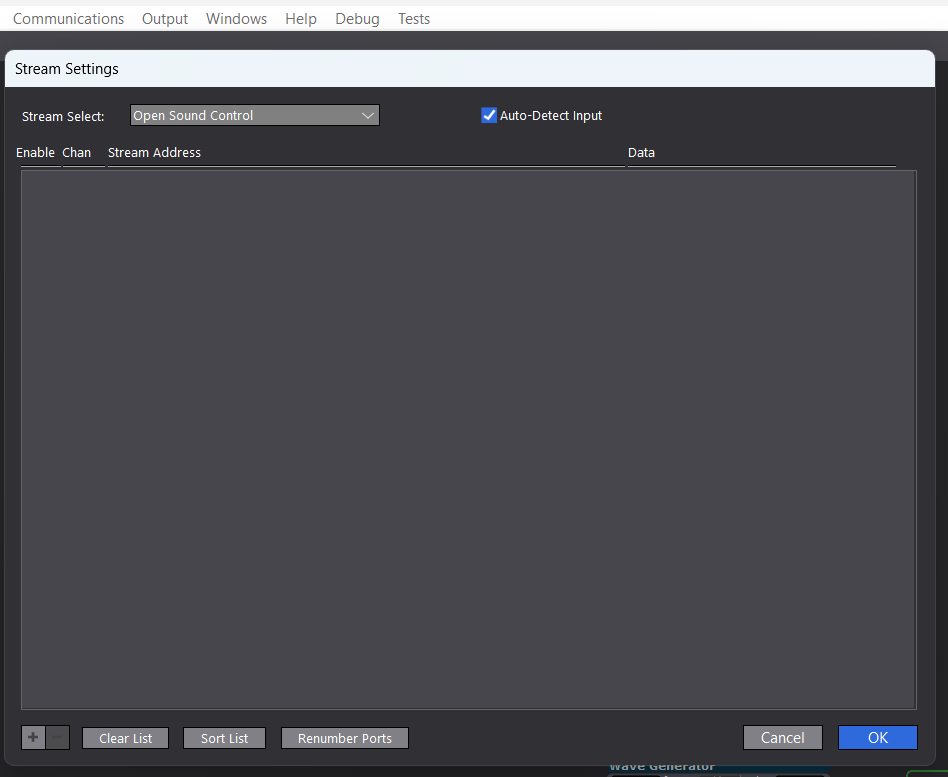
Any incoming values will be listed in the blank space, with a few settings. The Channel number will be used to grab this incoming value in the Isadora patch.
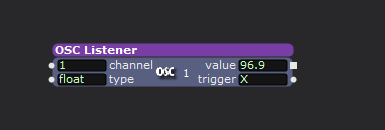
Here the OSC Listener is used to 'grab' the OSC value. Channel '1' is set to grab the first address defined in the 'Stream Setup' dialog.
-
Thank you! I was able to use the stream settings to help troubleshoot my issue. The data was coming in under channel 0 in the stream settings viewer, once I changed that it is running fine.
-
I'd recommend building your file using the OSC Address Listener actor.
That way, whatever tool you made to do this can be put into a User Actor and used in any file instead of being locked to this one specific Isadora file because of Stream Setup.

