• Products
    • Isadora
    • Get It
    • ADD-ONS
    • IzzyCast
    • Get It
  • Forum
  • Help
  • Werkstatt
  • Newsletter
  • Impressum
  • Dsgvo
  • Press
  • Isadora
  • Get It
  • ADD-ONS
  • IzzyCast
  • Get It
  • Press
  • Dsgvo
  • Impressum

Navigation

    • Register
    • Login
    • Search
    • Categories
    • Recent
    • Popular
    • Tags

    [KNOWN ISSUE, WORKAROUND PROVIDED] Palindrome play in Windows

    Troubleshooting and Bug Reports
    5
    7
    1318
    Loading More Posts
    • Oldest to Newest
    • Newest to Oldest
    • Most Votes
    Reply
    • Reply as topic
    Log in to reply
    This topic has been deleted. Only users with topic management privileges can see it.
    • X
      xlrstik last edited by Woland

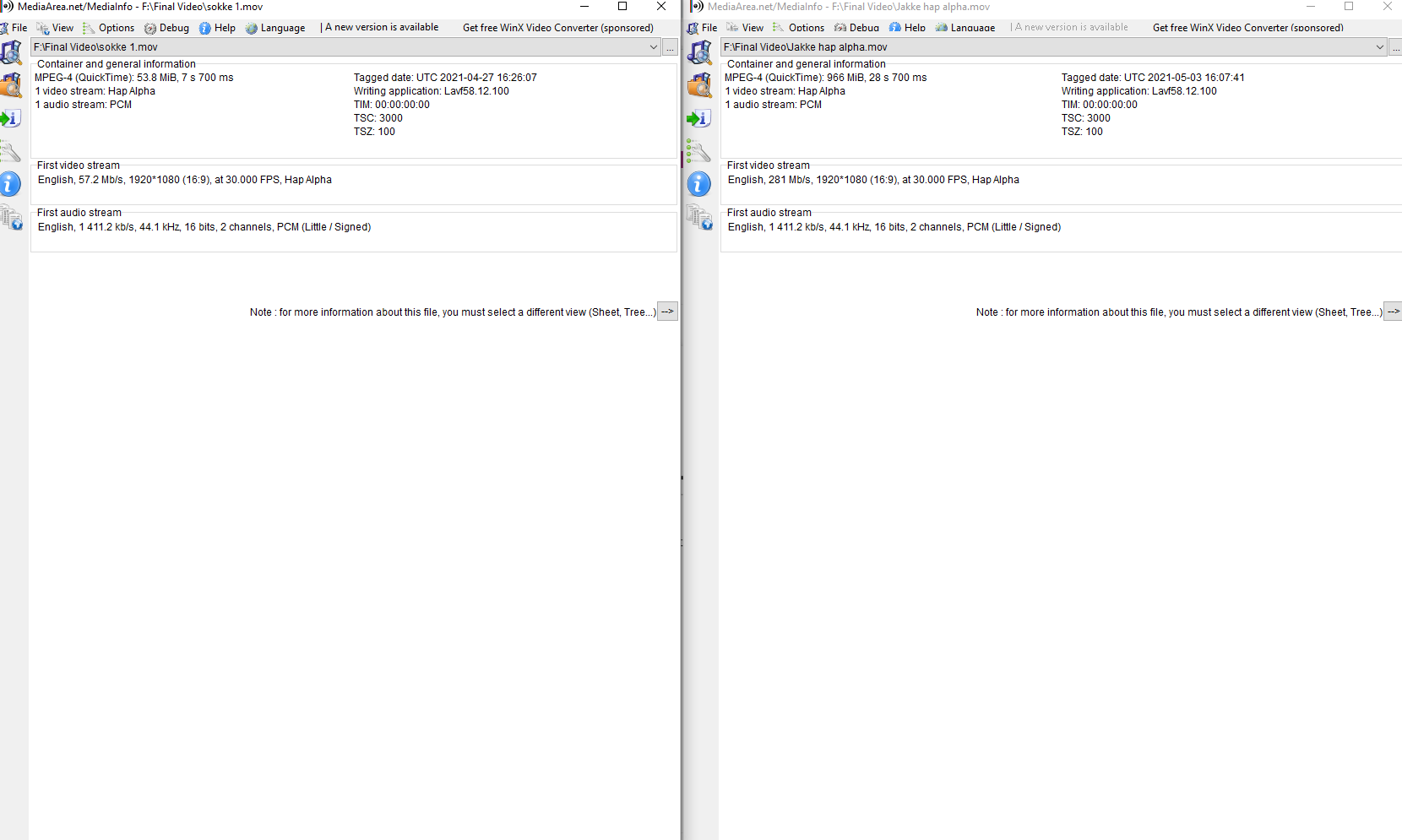
      Hi - I'm having problems playing a movie in "Palindrome mode". The movie is encoded on a mac in Hap format and 27 sec. long plays fine but can´t run in Palindrome. The strange thing is that I have another movie, but only 7 sec. long also in Hap format but with alpha and it runs just fine in "Palindrome mode". Then I tried to encode the "long" movie to Hap alpha but it didn't work. 

      Any ideas ? 
      DusX 1 Reply Last reply Reply Quote 0
      • DusX
        DusX Tech Staff @xlrstik last edited by

        @xlrstik

        This is a known issue that is being worked on (Windows movie playback is getting a big update).

        With that said, I have found that it is more reliable with AVI container Hap video on Windows than with MOV.

        I would use Shutter Encoder to 'rewrap' your MOV hap to AVI. You should be able to batch process any MOV hap files directly into AVI files.

        Note: my tests show AVI work rather well, but you may still run into issues if you are interactively switching movies or using non default play start/length settings. 

        Troikatronix Technical Support

        • New Support Ticket Link: https://support.troikatronix.com/support/tickets/new
        • My Add-ons: https://troikatronix.com/add-ons/?u=dusx
        • Profession Services: https://support.troikatronix.com/support/solutions/articles/13000109444-professional-services

        Running: Win 11 64bit, i7, M.2 PCIe SSD's, 32gb DDR4, nVidia GTX 4070 | located in Ontario Canada.

        D 1 Reply Last reply Reply Quote 1
        • D
          DillTheKraut @DusX last edited by

          @dusx

          Is there any update for this?

          D 1 Reply Last reply Reply Quote 0
          • D
            DillTheKraut @DillTheKraut last edited by

            @dillthekraut

            downloaded shutter encoder but only found .mov option. Advice anyone?

            jfg 1 Reply Last reply Reply Quote 0
            • jfg
              jfg @DillTheKraut last edited by jfg

              @dillthekraut

              it is not really evident. you must use rewrap (Konvertierung) then avi. It will remux your file to avi without changing the codec


              Best regards, 

              Jean-François 

              • Izzy 4
              - MacBook Pro M1 Max 16" 64GB RAM, Mac OS 15.3.2 Sequoia
              - Mac Pro 5.1 middle 2012 (3,33 GHz 6-Core Intel Xeon, 32GB RAM, Radeon RX 580 8 GB ),
              Mac OS 10.14.6 (Mojave)
              - Mac mini Pro M4, Mac OS 15.3.2 Sequoia

              • A range of deployable older Macs
                Located in Bremen, Germany
              D 1 Reply Last reply Reply Quote 1
              • D
                DillTheKraut @jfg last edited by

                @jfg

                Amazing, that did the trick! At least in the english UI I used 'Rewrap'. It now runs flawless. Thank you!

                T 1 Reply Last reply Reply Quote 0
                • T
                  tatrapikao @DillTheKraut last edited by

                  unfortunately this seems to be still an issue in 2026. Rewrapping does not help (it starts playing backwards but will freeze after some frames..). If Anyone has a workaround to complement the workaround it would be much appreciated.

                  1 Reply Last reply Reply Quote 0
                  • First post
                    Last post