[ANSWERED] Cue Times
-
Is there a way to get the fade time into an actor. Example if the bext scene should fade in 16, can I get that value programaticaly in an actor?
Thanks!
T
-
@tlaloc
Jump and Jump++ actors? -
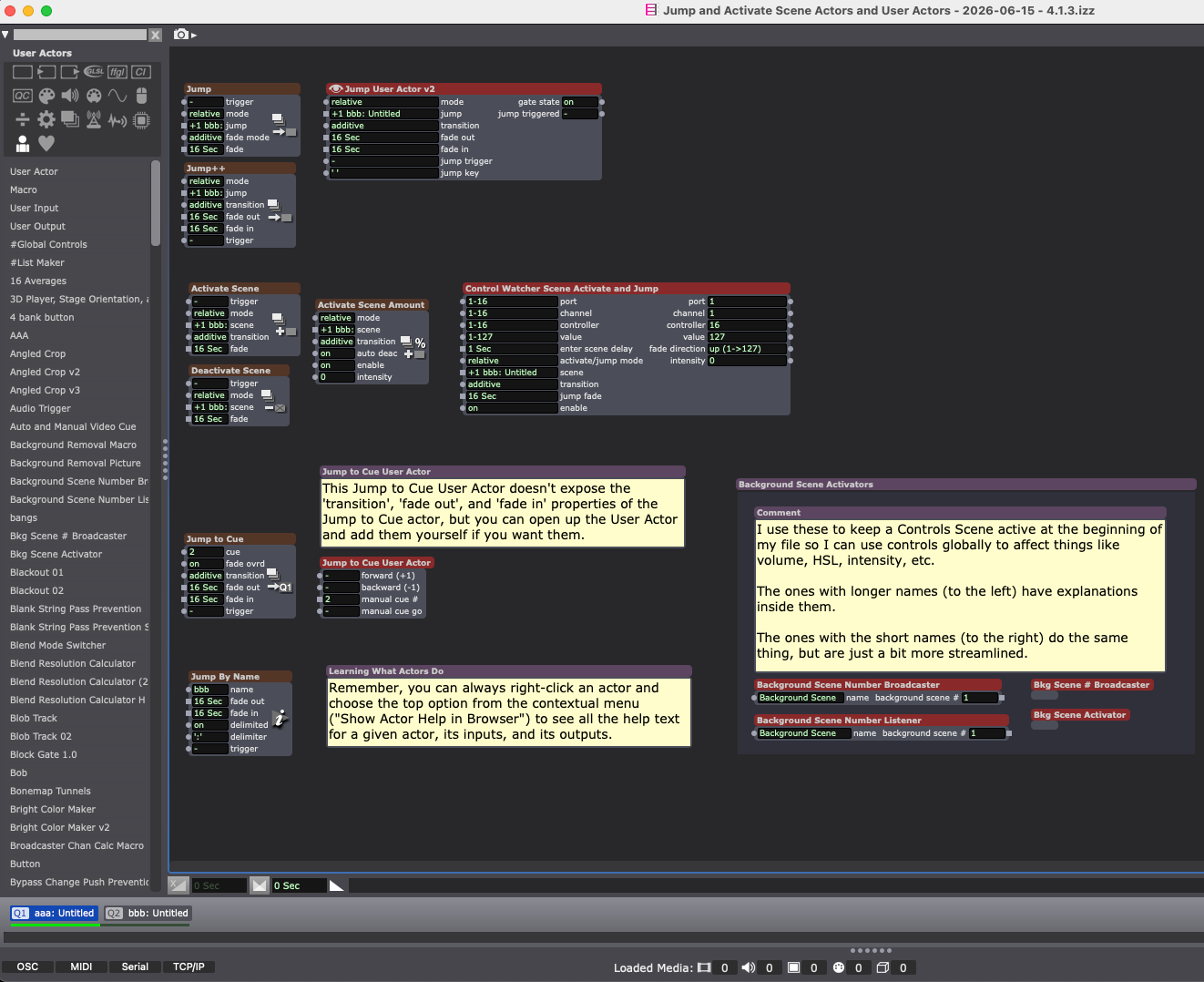
@tlaloc in addition to @dbini great suggestions, you could also try Jump to Cue - useful if you want to jump forward or backward to a scene that has a specific cue number. This is useful if you are manually addressing scenes with a specific cue number.
Additionally, Activate Scene allows you to activate a secondary scene which runs in the background whilst in the current primary scene.
Best wishes, Simon
-
There's also:
- Jump By Name (which is the basis for my MIDI Show Control template file that I use to make lighting consoles or QLab trigger jumps between Scenes, as well as cues internal to Scenes)
- Deactivate Scene (for use with the Activate Scene actor)
- Activate Scene Amount (usually best used with Envelope Generator, Ease In-Out, or Ease In-Out 2D actors)
Just to cover all the bases, here's this which shows all the options (and includes some User Actors of mine). --> FILE DOWNLOAD
Best wishes,
Woland
P.S. If you want to be able to set scene jump times across all your scenes globally, you can use Set/Get Global Values for that. My background scene activation User Actors on the bottom right there should be pretty helpful for this too.
TroikaTronix Technical Support
New Support Ticket: https://support.troikatronix.com/support/tickets/new
Support Policy: https://support.troikatronix.com/support/solutions/articles/13000064762
Add-Ons: https://troikatronix.com/add-ons/ & https://troikatronix.com/add-ons/?u=woland
Professional Services: https://support.troikatronix.com/support/solutions/articles/13000109444| Isadora Version: all of them | Mac Pro (Late 2013), macOS 10.14.6, 3.5GHz 6-core, 1TB SSD, 64GB RAM, Dual AMD FirePro D700s |
-
-
The reason I wish for this is if I normally use MSC to take cues/scenes, but there is an internal piece that should take the same amount of time as the scene move, I would like for that value to be able to be programmed in.
-
@tlaloc said:
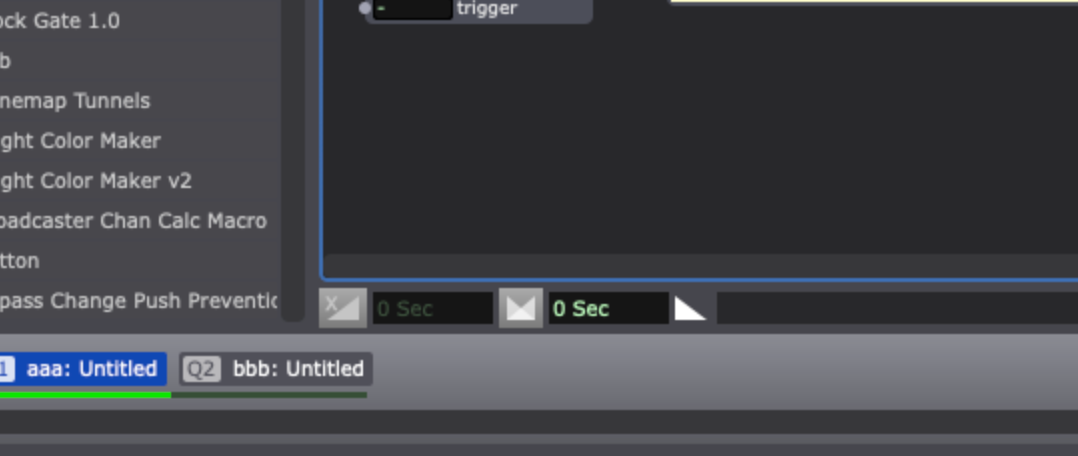
Just to confirm, there is no way to pull the time from the scene time shown here at 0 sec?
Correct, this value is not programmatically accessible by actors.