3ds files from Blender to Isadora
-
@bonemap Woland said you're the 3D expert but I’m open to anyone for advice!
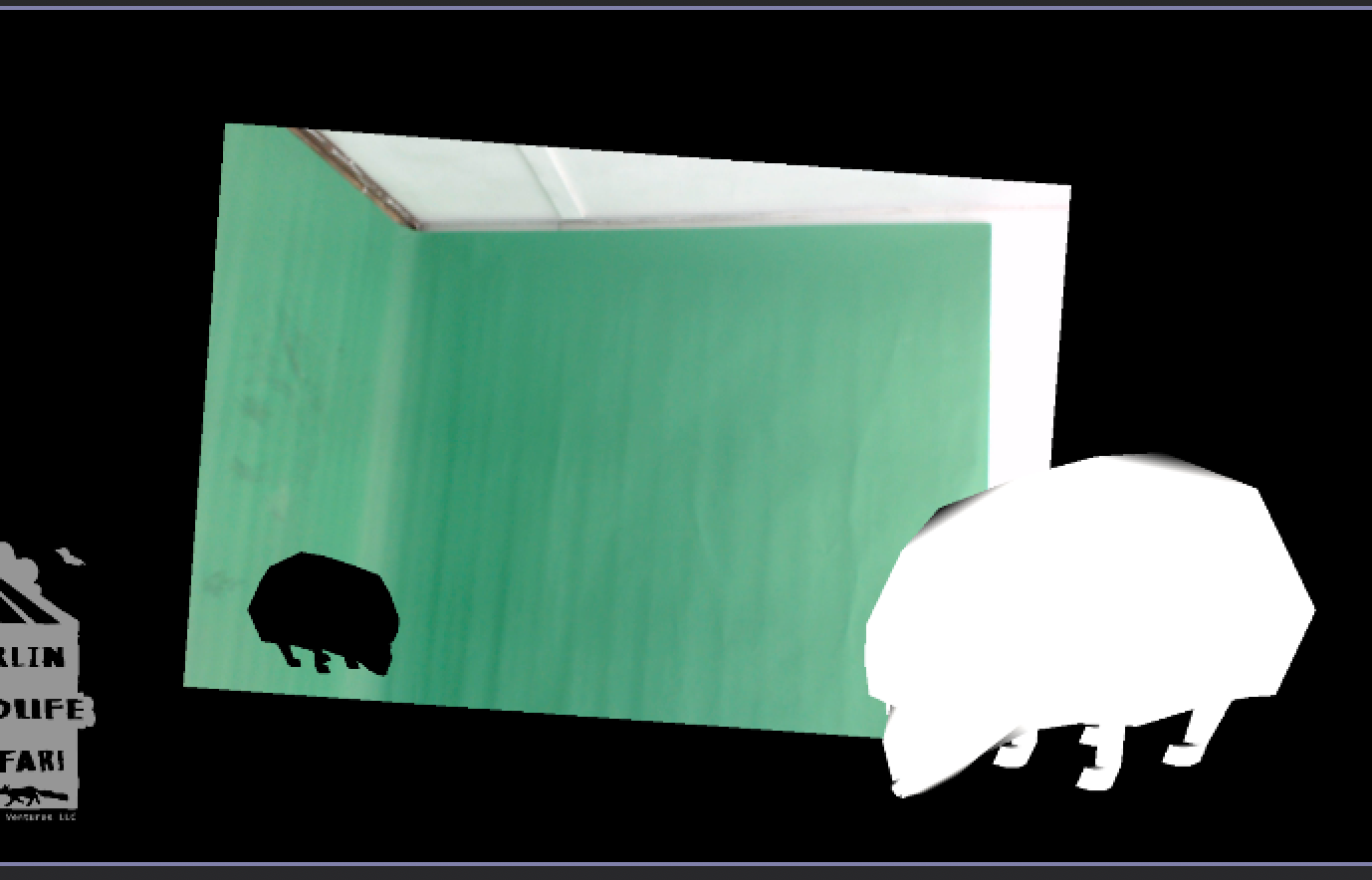
Woland really kindly built me this patch. It’s for a greenscreen installation where you can add “stickers” of 3d animals with different backgrounds. I can’t seem to get the lighting right. I’m exporting different hedgehogs from blender with edits to its material but no matter what I do the light in the Isadora 3d player seems to blow it out or barely make it visible. I am ok with turning lighting off for the different animals but it would obviously be cooler to have a bit of overhead light.
I’m a little experienced with blender but never heard of a 3ds file before this. I have the blender addon meant for autodesk to just be able to export them if that helps. I’m not sure which end the issue is on.Hedgehog 3ds file
-
Hi Lorel,
The 3DS file format is a legacy from 3d Studio Max, which was a popular 3D modelling and animation software acquired by Autodesk some time ago (decades ago). Most software developers have migrated to other popular file formats like .obj and others. Thankfully, Blender's open-source developers reinstated the format after it went missing for a couple of years. The 3D software Cheetah 3D (mac only) also supports the 3ds format and has a more direct workflow for preparing 3ds files for Isadora.
Your issue is this:
When importing .3ds files into Isadora, the 3D geometry does not automatically embed its image textures. To ensure your model does not appear blank, you must export an image file—typically a JPG or PNG—alongside the 3D geometry file from Blender. For Isadora to read and link the texture to the 3D mesh, both the .3ds file and the image file must be in the same folder. If they are separated, the file paths will break, and Isadora will fail to locate and render the texture on your object.
Once the 3D model is in the Isadora scene editor, you are not locked into the original texture exported from Blender. You can swap it for any other image file from your media bin by linking a Picture actor or Movie Player actor directly to the 3D player actor's texture input. This lets you dynamically replace the surface appearance of your geometry in real time, making it easy to cycle through different graphics, colours, or live video feeds without re-exporting the 3D mesh.
The 3D Light Orientation actor manages the illumination of 3D objects (your .3ds models) in the Isadora Scene Editor by altering the position, angle, and properties of a virtual light source. Instead of moving the 3D model itself, this actor allows you to shift how light hits the geometry using a specific set of XYZ inputs.
Best Wishes,
Russell